Section 03
Live Systems and Bootable Toolkits
Why a diagnosis runs better from a disposable system, how to build a bootable toolkit that works, and which toolkits are still maintained.
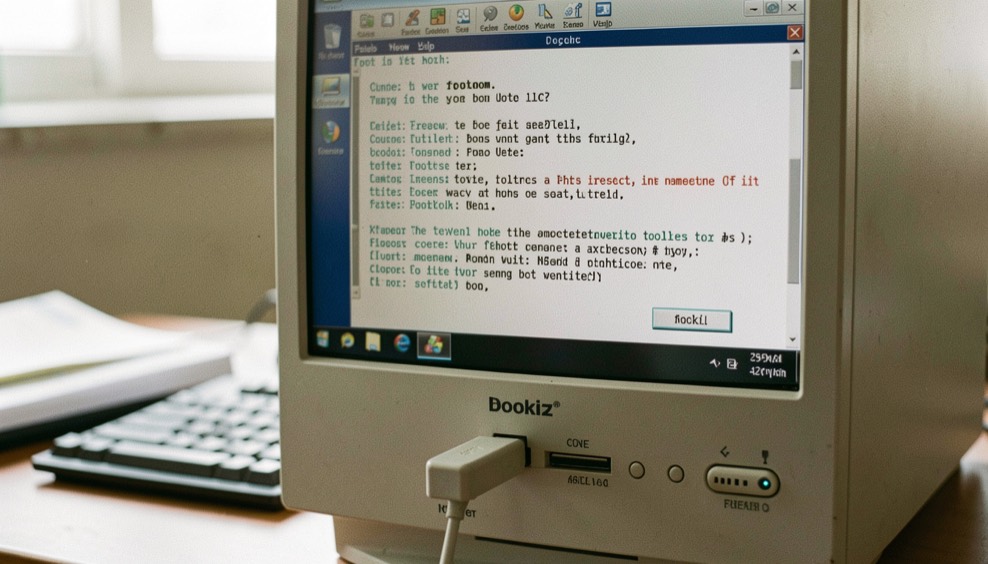
A live system is an operating system that boots from removable media and leaves the installed one untouched. That single property is why it keeps turning up in diagnostic work: it removes the installed system, its drivers, its updates and its background processes from the list of things that might be causing the problem. When a machine misbehaves under its own operating system and behaves under a live one, you have learned something real in about ten minutes.
Why diagnostics run from a live system makes that argument properly, including the cases where it is misleading. Building a bootable diagnostic USB is the boring, reliable procedure, written out so that it works the first time. Live toolkits that are still maintained looks at what is actually being kept up to date, with the date each project was checked.
The domain this desk publishes on
This site is published at overclockix.com, which for about a decade served a live CD of exactly this kind. Overclockix was a Knoppix based live system built in 2003 for hardware tuning and stress testing, it went dormant in 2005, and it was rebuilt on Debian in 2011 before its last release in 2015. This desk is not that project and does not continue it. The Overclockix release record sets out what was published and when, from the archive index and from the distribution databases, and points at the repository where the source still lives. No disk image, checksum or torrent is served from this domain.
What a live toolkit is good at
Three jobs come up again and again. Testing memory, which is best done with the installed system out of the way entirely. Reading and copying data off a machine that will not boot normally, which is a rescue job rather than a diagnostic one. And partitioning or imaging a disk that cannot be modified while it is in use. A toolkit that does those three things well is worth more than one that ships two hundred utilities.
What it is bad at
A live system is a poor witness for anything that depends on the installed configuration. A driver problem, a scheduled task, a thermal profile set by the vendor's own utility, a fault that only appears after two days of uptime: none of those survive the switch to a live environment, so a clean live run tells you very little about them. Read the result for what it is, which is a statement about the hardware under a different software stack, and pair it with the subsystem view in the test matrix.
The other sections of the desk: Stability Testing, Diagnostics, Overclocking and The Log. Every one of them comes back to the test matrix.
In this section
5 pages in this section, newest first.
-
Why a Diagnosis Runs From a Live System
Ten minutes with a live system can eliminate an entire class of causes. It can also produce a clean result that means almost nothing.
-
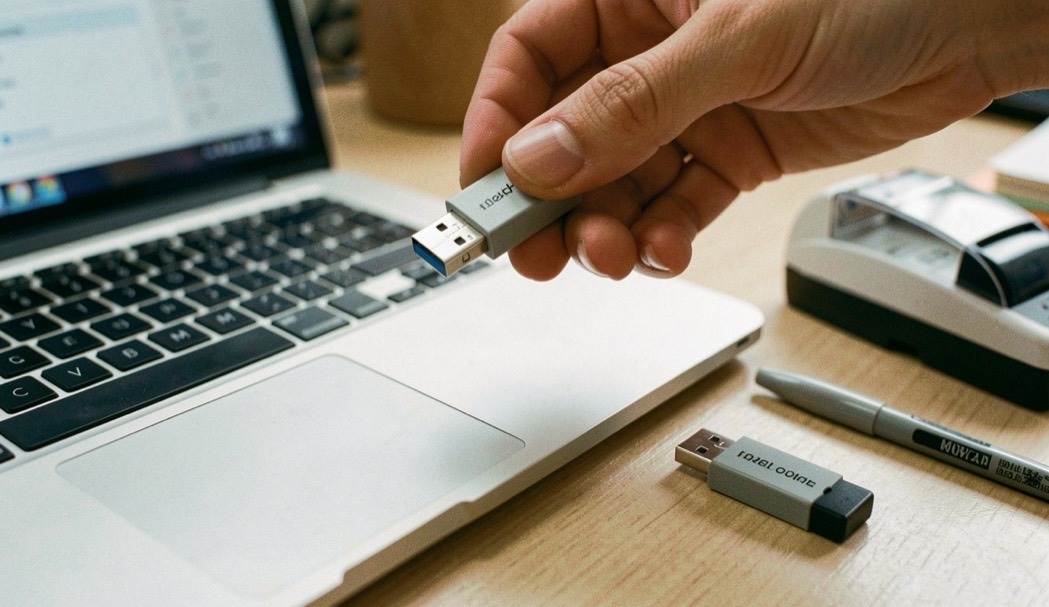
Building a Bootable Diagnostic USB
A rescue stick built in a hurry on a broken machine is the wrong time to learn the procedure. Build it now and verify it now.
-
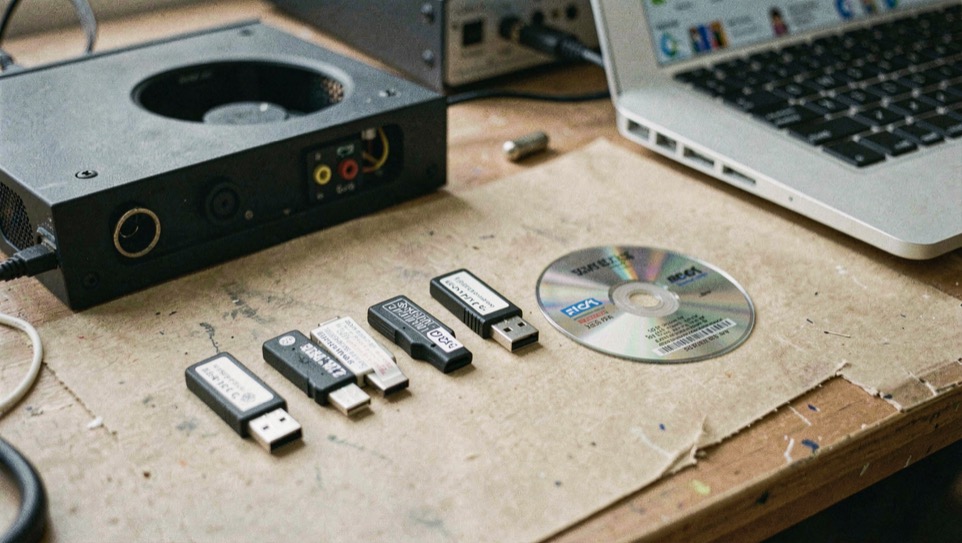
Live Diagnostic Toolkits Still Maintained
Half the toolkits people still recommend stopped shipping years ago. This page records what was checked and when it was checked.
-
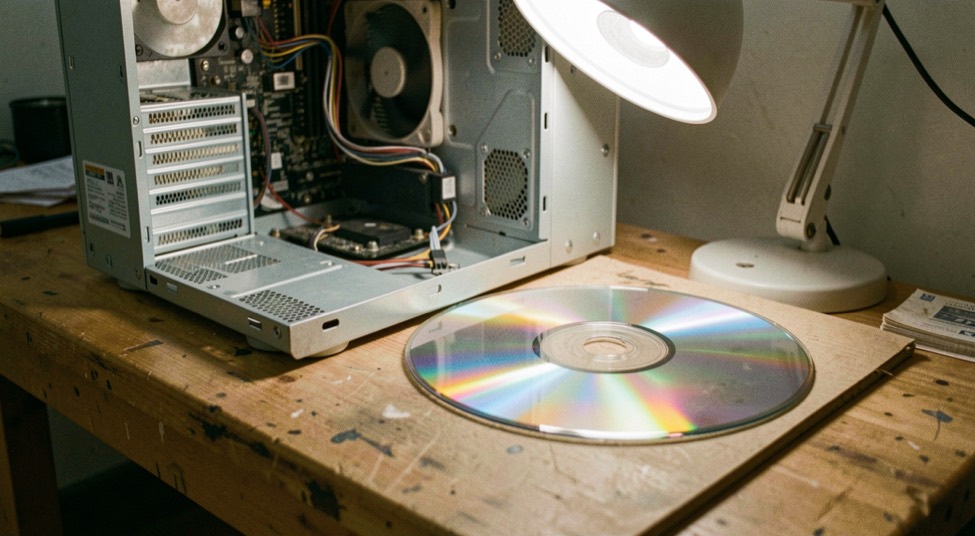
The Overclockix Release Record
This domain served a live CD for hardware tuning between 2003 and 2015. Here is what was published, when, and where the source lives now.
-
Free-Nets and Public Access: What the Records Show
A free-net was a community computer system that anyone with a modem and a phone line could dial into, usually for free, to read mail, join forums, and look things up.